Artboards
are where your design lay on, you can add as many as you want and adjust them to any size!
are where your design lay on, you can add as many as you want and adjust them to any size!
tools help create your own drawings
every great design uses color to deliver a message
there are an infinite number of designs to be created!
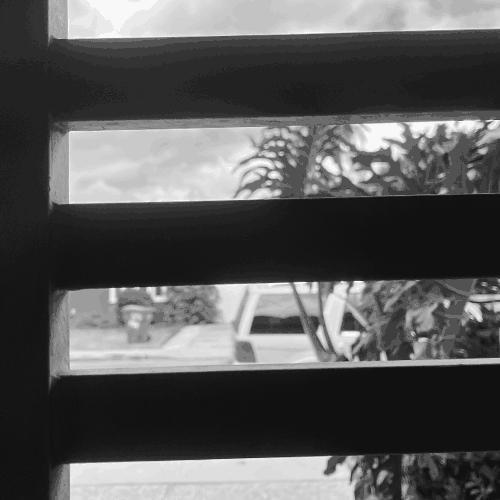
tool creates round shapes that can be made into any shape or size
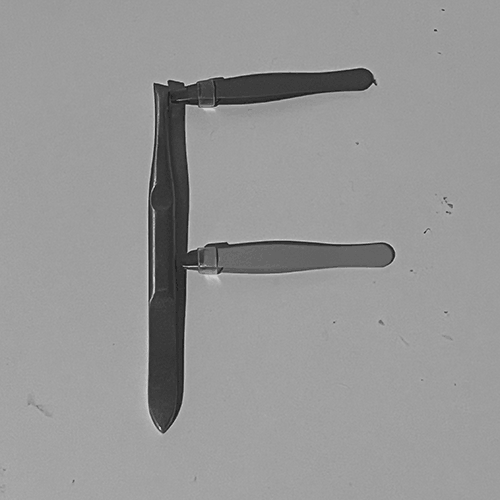
easily flip your original design to give it a new look!
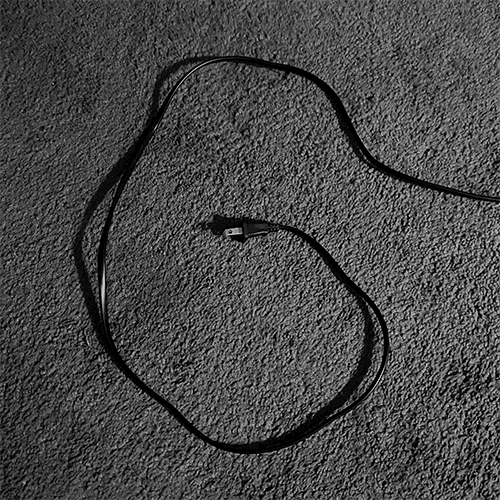
smooths your object and gives it motion

is important for desing composition

Adobe Illustrator is one of the most used programs in graphic design

connects paths with the join tool!
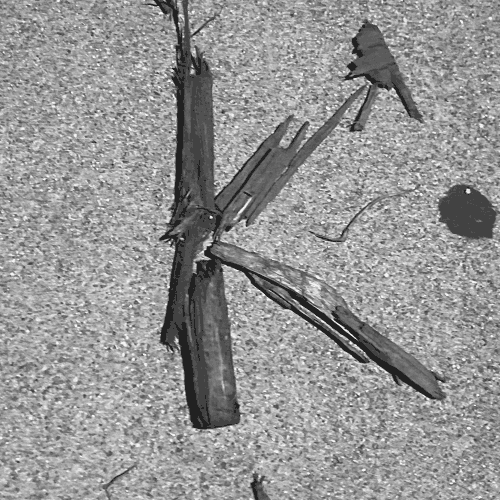
use your keyboard shortcuts to save some time!
help you organize your content and elements
pixelates your objects and gives it a grainy and noisy effect
name and label all of your projects and layers, be organized!!
the object panel allows you to manipulate your object in a variety of ways
determine the quality and size of your design!

dont quit! , take a break and keep working.

are made up of pixels, usually and PNGs or JPGs
add another border on a path or type

any elements by reflecting,moving and rotating them
your type to give it emphasis!

are made up of smooth paths,lines and curves
the wdith of your project is important, make sure everything is scaled
allows you to switch between the stroke and fill color easily

has plenty of videos with helpful tips and tricks
to save space, make sure you compress your work into a zip file!